Ensuring that your practice and practitioner details are up to date and correct is a vital step when it comes to fully leveraging the power of online booking. Carefully selecting the service type and specialities of a practitioner ensures that they can be found by patients searching online, and specifying additional skills, such as languages spoken, registrations (with supporting documents) and insurance can also open a practice to more potential patients.
To start your setup on MyHealth1st, you must first log in to your Practice Admin page. If you are having trouble finding your password, you can check this page on How to Login in MyHealth1st .
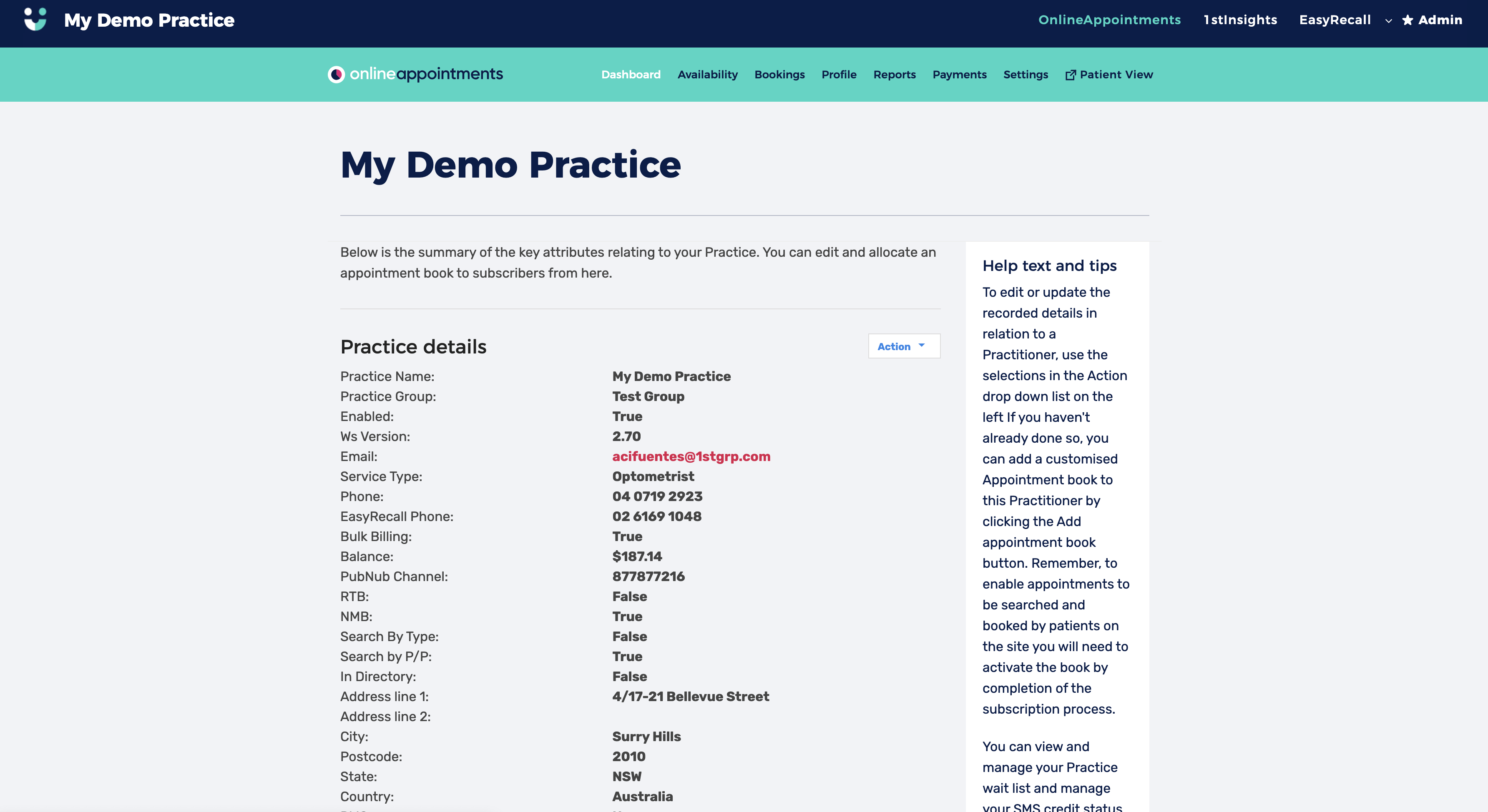
Once you have logged in, the first thing is choosing the practitioner you wish to edit. Scroll down to the practitioner you want to edit and right-click of their name, you will see a button marked “Action”.
Click on the button and choose “Edit” from the drop-down menu. This will take you to the Edit subscriber page. Here you can edit a number of different parameters.
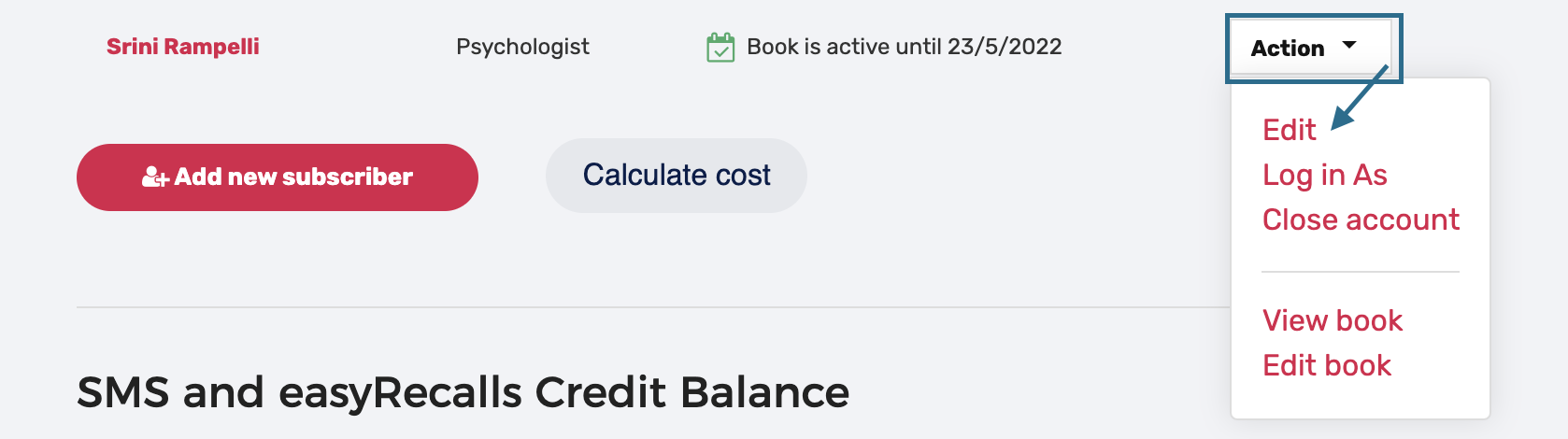
Edit Subscriber Page
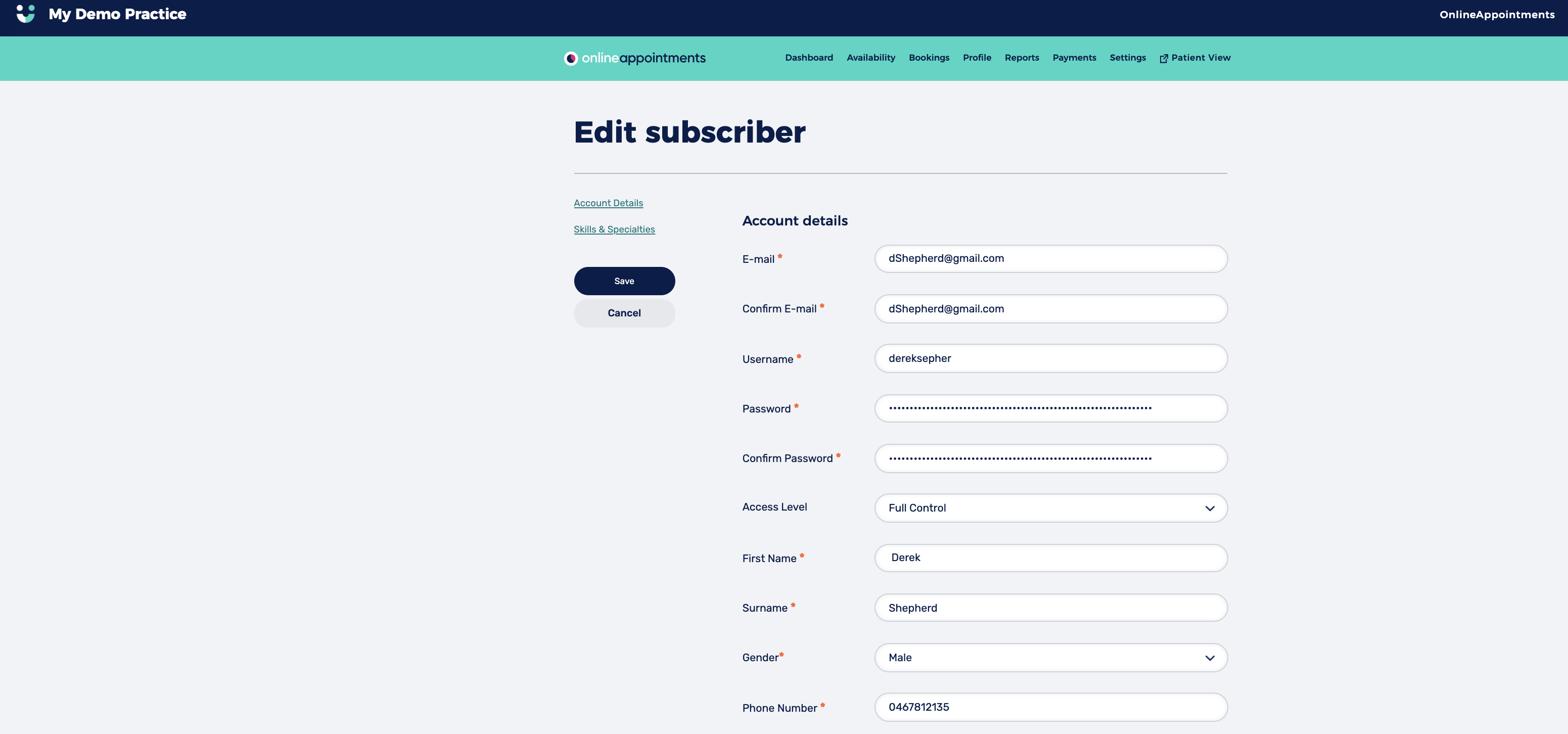
The subscriber page is where all practitioner details should be entered, from the most basic, such as name, gender and phone number, through to more specific details, such as specialisations and skills.
Having these details comprehensively filled out makes it easier for a practitioner to be found when a potential patient searches for a specific service or consultation type.
Account Details
- Email, Password, First Name, Surname, Gender and Phone Number
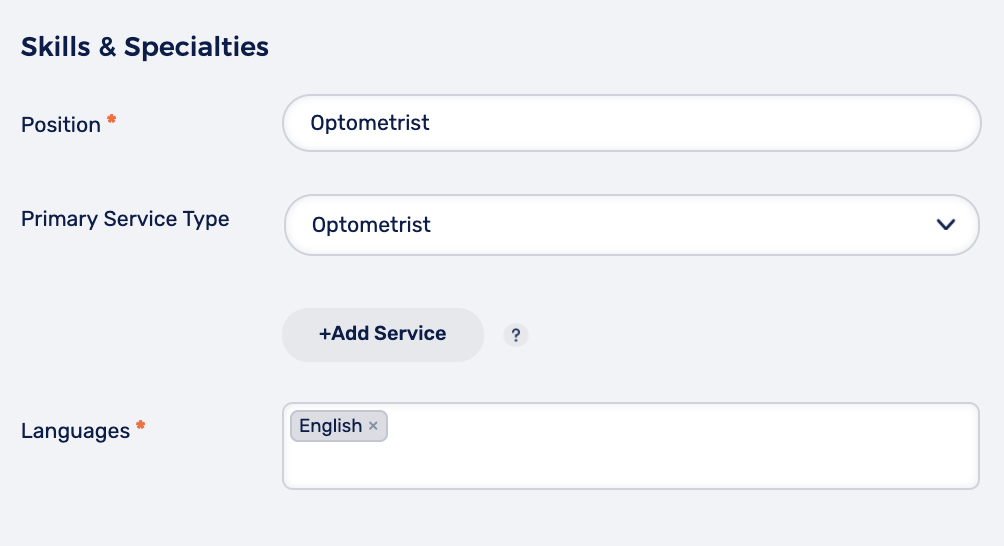
Skills & Specialties Listing all the skills and specialities of a practitioner not only helps differentiate them from others, it also makes them more likely to be found in online searches. In this section you should answer the following mandatory fields:
- Position
- Languages